> ## Documentation Index
> Fetch the complete documentation index at: https://docs.intellikon.ai/llms.txt
> Use this file to discover all available pages before exploring further.
# Tracks
> Group modules into a learning path that learners enrol in.
A track puts several modules together into one learning path, such as an onboarding programme. Learners find published tracks in Lexis and enrol themselves. Each module in a track is either required or optional.
## Before you start
Build and publish the modules you want in the track first. See [Modules](/products/lexis/modules).
## Create a track
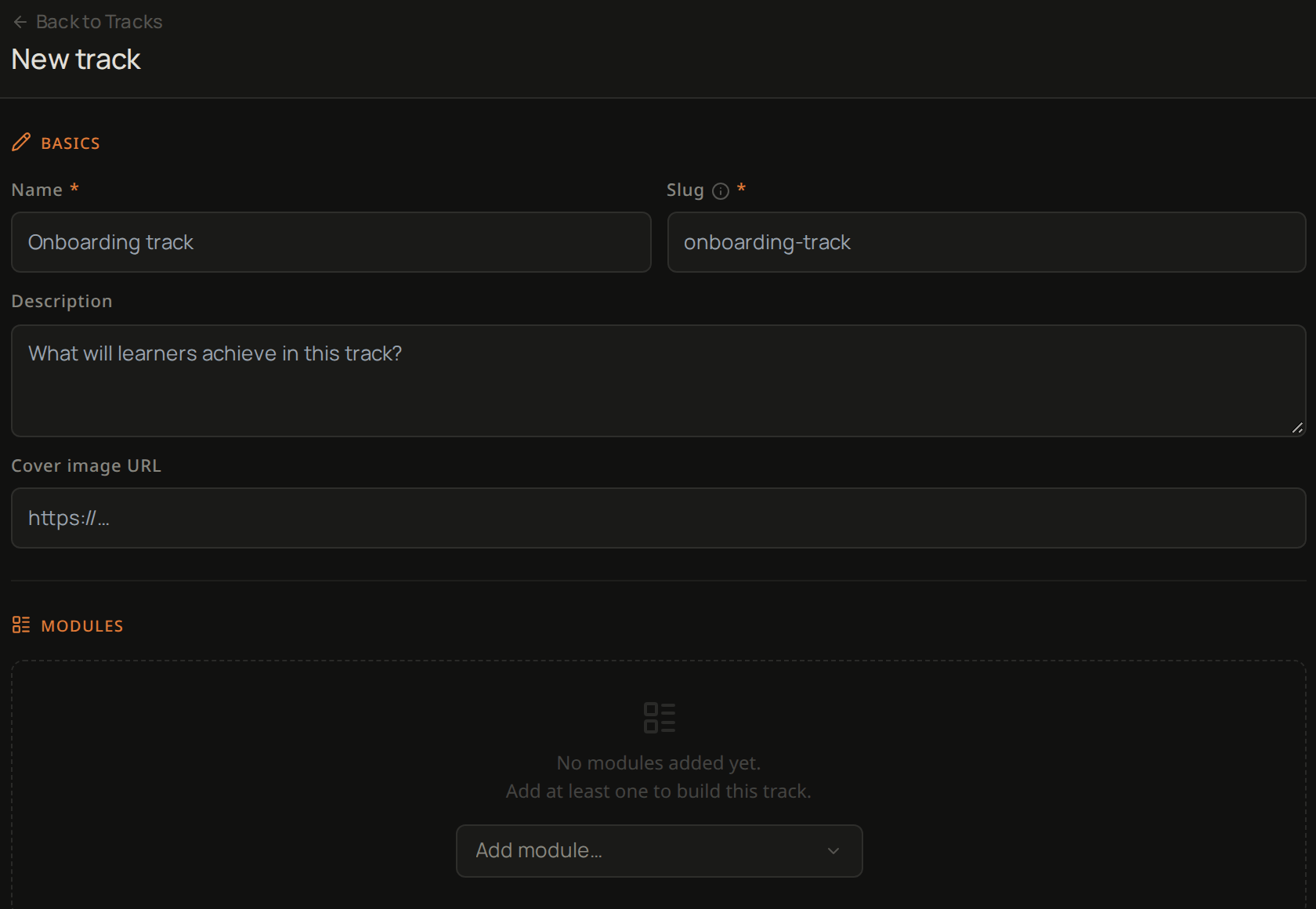 Select **Tracks**, then **New track**.
Enter a **Name**. Lexis fills in the **Slug** from it, and you can change it.
Add a **Description** of what learners will achieve.
Add a **Cover image URL** if you have one.
Under **Modules**, open **Add module…** and choose each module in the order learners should take them.
Each module is **Required** when you add it. Untick **Required** for any module learners can leave out.
Under **Publish status**, leave **Draft** to keep it hidden from learners, or choose **Published** so learners can find it and enrol.
Select **Create track**.
The track now appears in your **Tracks** list. If you chose **Published**, learners can find it and enrol. Next, [invite your learners](/products/lexis/learners-and-accounts).
## Troubleshooting
A track needs a **Name**, a **Slug** and at least one module.
Select **Tracks**, then **New track**.
Enter a **Name**. Lexis fills in the **Slug** from it, and you can change it.
Add a **Description** of what learners will achieve.
Add a **Cover image URL** if you have one.
Under **Modules**, open **Add module…** and choose each module in the order learners should take them.
Each module is **Required** when you add it. Untick **Required** for any module learners can leave out.
Under **Publish status**, leave **Draft** to keep it hidden from learners, or choose **Published** so learners can find it and enrol.
Select **Create track**.
The track now appears in your **Tracks** list. If you chose **Published**, learners can find it and enrol. Next, [invite your learners](/products/lexis/learners-and-accounts).
## Troubleshooting
A track needs a **Name**, a **Slug** and at least one module.