
 Pulse
Pulse Lexis
Lexis Vera
Vera Aegis
Aegis Prism
Prism Nucleus
The product bar
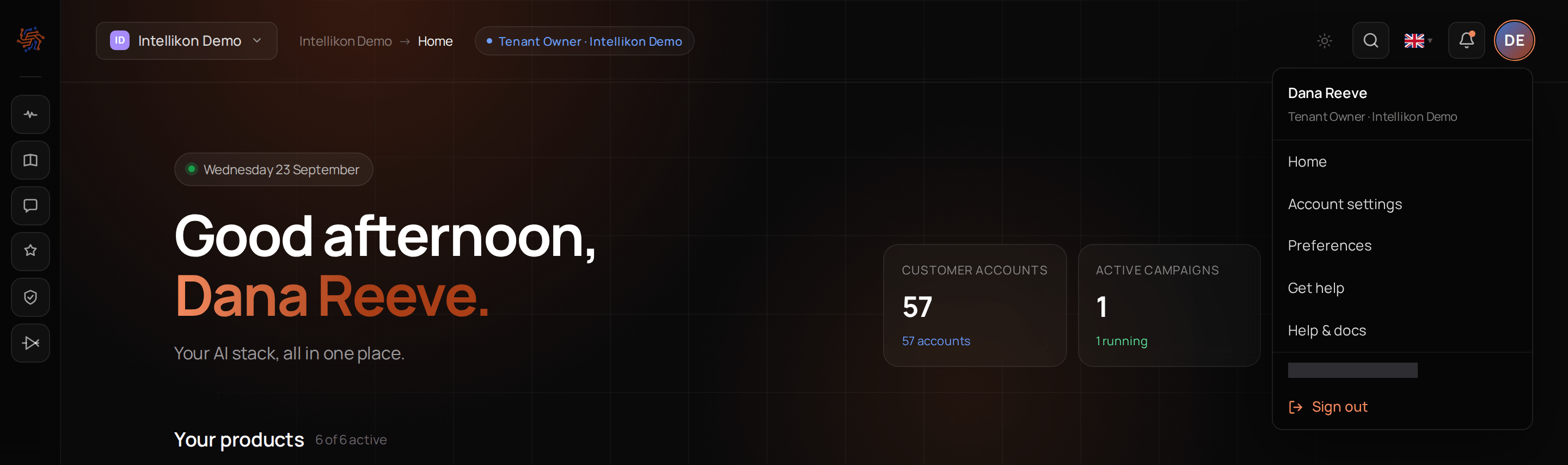
The narrow bar on the far left has an icon for each product. Select one to jump straight into it. The logo at the top takes you to your home screen. The gear at the bottom opens Studio settings; Account Admins and Users do not see it.Inside a product
Each product has its own sidebar listing its areas, such as Contacts or Campaigns in Pulse. Use the arrow at the top of the sidebar to collapse it when you want more room.Workspaces
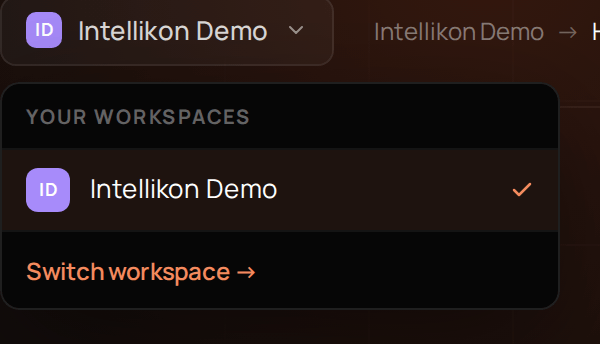
Where you are
Next to the workspace name, a trail shows where you are, such as Pulse, then Contacts. The trail only shows your place; use the sidebars to move. Your home screen shows your role in this workspace next to the workspace name.The top right