

 Pulse
Pulse Lexis
Lexis Vera
Vera Aegis
Aegis Prism
Prism Nucleus
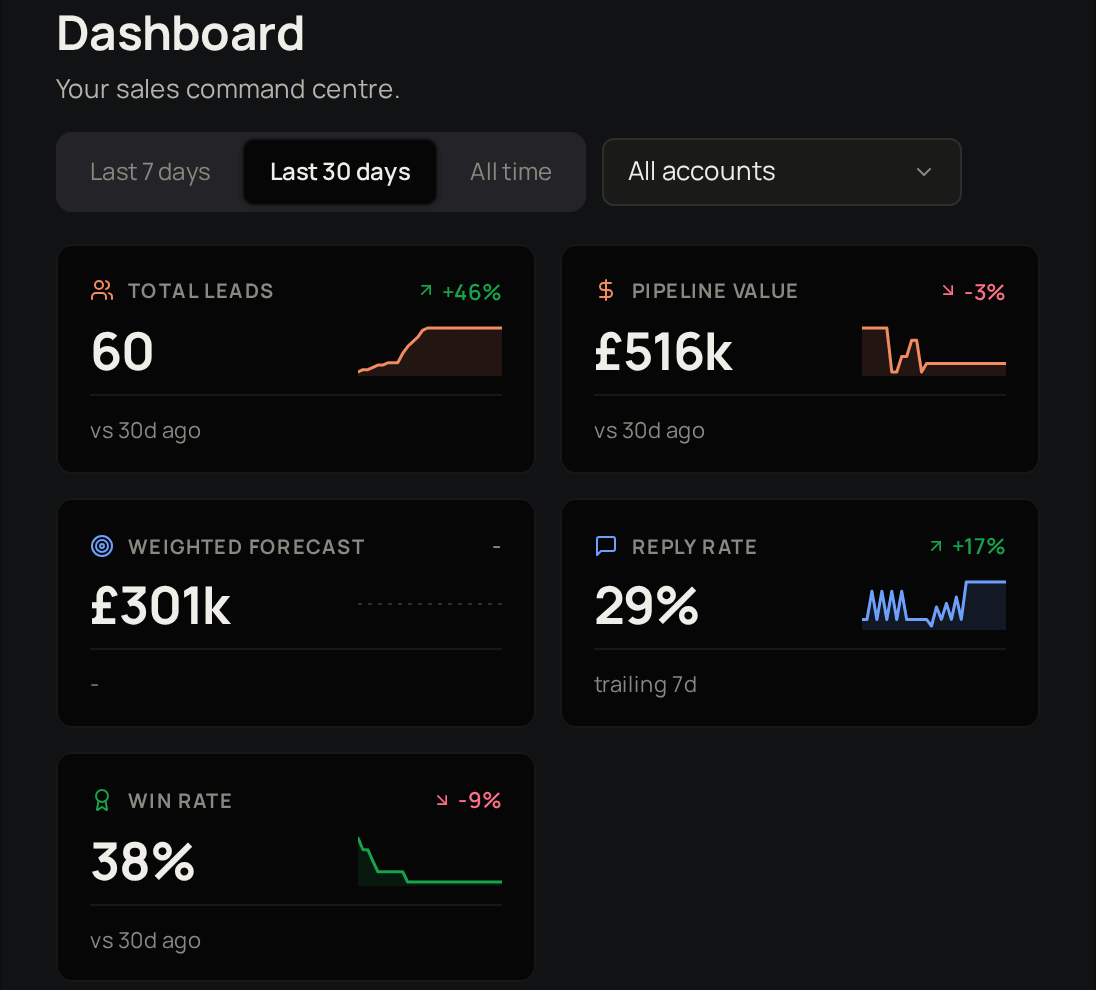
How Pulse is laid out
Settings sits at the bottom of the sidebar.
Contacts move through a pipeline
New
Added to Pulse, not contacted yet.
Contacted
You have reached out.
Replied
They have written back.
Qualified
Worth pursuing as a deal.
Disqualified
Not a fit, or not now.
Deals move through stages
A deal starts at Initial Contact and moves through Evaluation, Proposal and Negotiation until it is Closed Won or Closed Lost. Each stage has a probability, and Pulse uses it to weight your forecast.Who can do what
Where to start
Add your contacts
Bring in the people you already sell to.
Describe who you are writing to
Set up personas and message templates.
Run a campaign
Send a sequence of messages to the contacts you choose.
Send a quote
Price a deal and get it accepted.
Related products

Lexis
The companies you sell to in Pulse are the same accounts your learners belong to in Lexis.

Prism
Your Pulse deals are a built-in source in Prism, with no export or import step.

Aegis
Support for your clients, with every ticket in one place.

Vera
Chatbots that answer from your own knowledge.

Nucleus
Manage, test and improve your AI prompts.