

 Pulse
Pulse Lexis
Lexis Vera
Vera Aegis
Aegis Prism
Prism Nucleus
Where your data comes from
Your Studio products are built-in sources. Vera, Aegis, Pulse and Lexis connect inside Prism with no export or import step. Connecting outside data is optional: you can add a file or a database as well, if you want Prism to work with it. See Data sources.How Prism is laid out
Key ideas
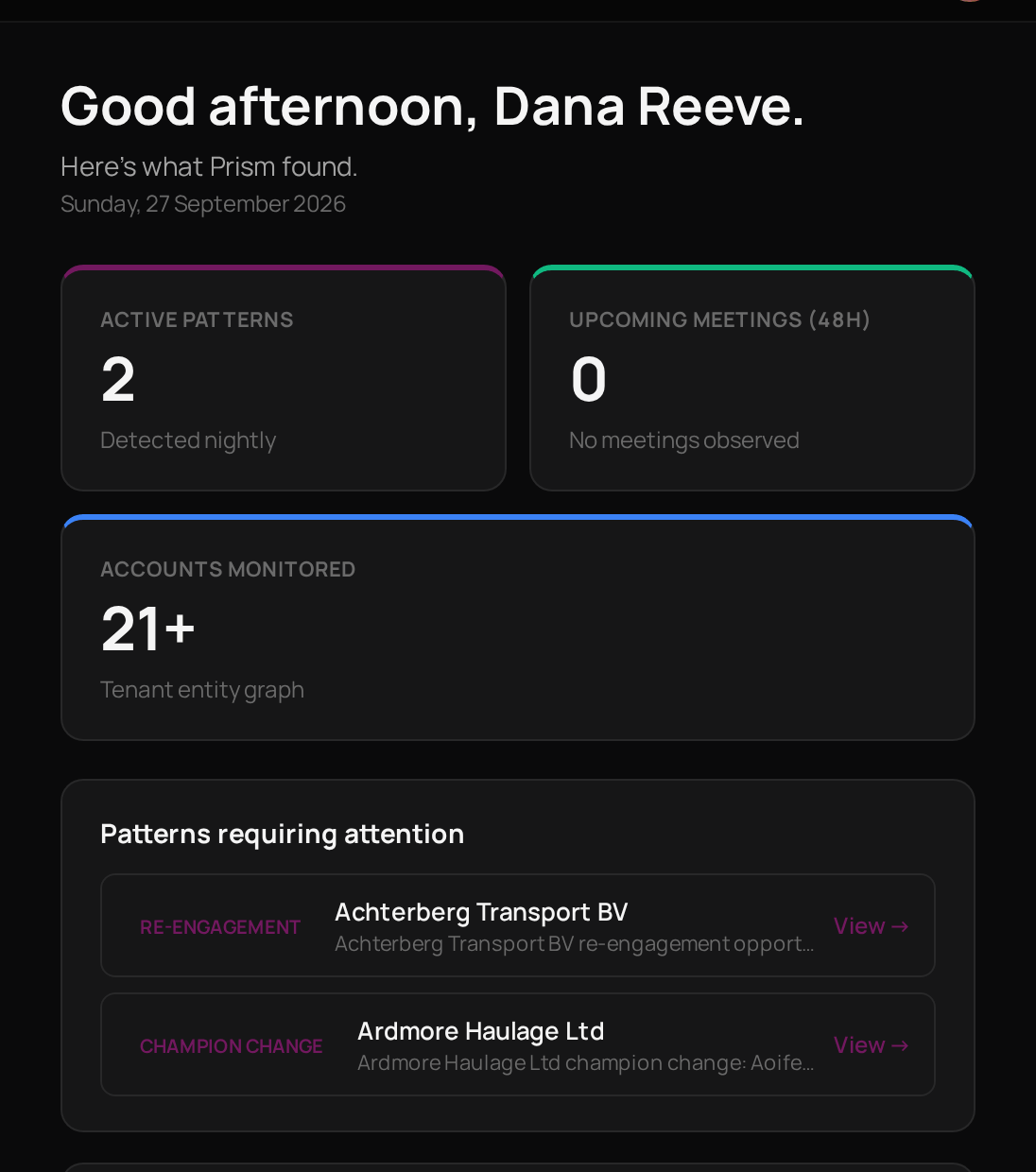
Pattern
Something Prism notices about an account overnight, such as a relationship going quiet.
Alert
A notice from one of your monitors when the number it watches crosses the line you set.
Needs Action
A feed item that is waiting for someone to deal with it.
Done
A feed item that has been dealt with.
Data source
A set of data Prism can read, from a Studio product, a file or a database.
Metric
A named measure, such as a rate or a total, that reports and monitors can reuse.
Who can do what
Account Admins and Users do not see Prism.
Where to start
Work through the Feed
See what Prism has found and clear what does not need you.
Look up an account
See everything Prism knows about one company.
Connect your data
Add a built-in source, a file or a database.
Set up a monitor
Get an alert when a number moves.
Related products

Pulse
The deals, contacts and emails Prism reads, and where you follow up.

Aegis
Support tickets. A monitor can raise a ticket here when it fires.

Lexis
Learning enrolments and completions, available as a built-in source.

Vera
Chatbot conversations, available as a built-in source.