

 Pulse
Pulse Lexis
Lexis Vera
Vera Aegis
Aegis Prism
Prism Nucleus
Not knowing is part of the design
When a chatbot cannot find the answer in its knowledge, it says it does not have information on that, instead of guessing. This is intended behaviour, and a sign that you can trust the answers it does give. When nothing in its knowledge matches the question, Vera keeps the question, so you can see what your knowledge is missing and add it.How Vera is laid out
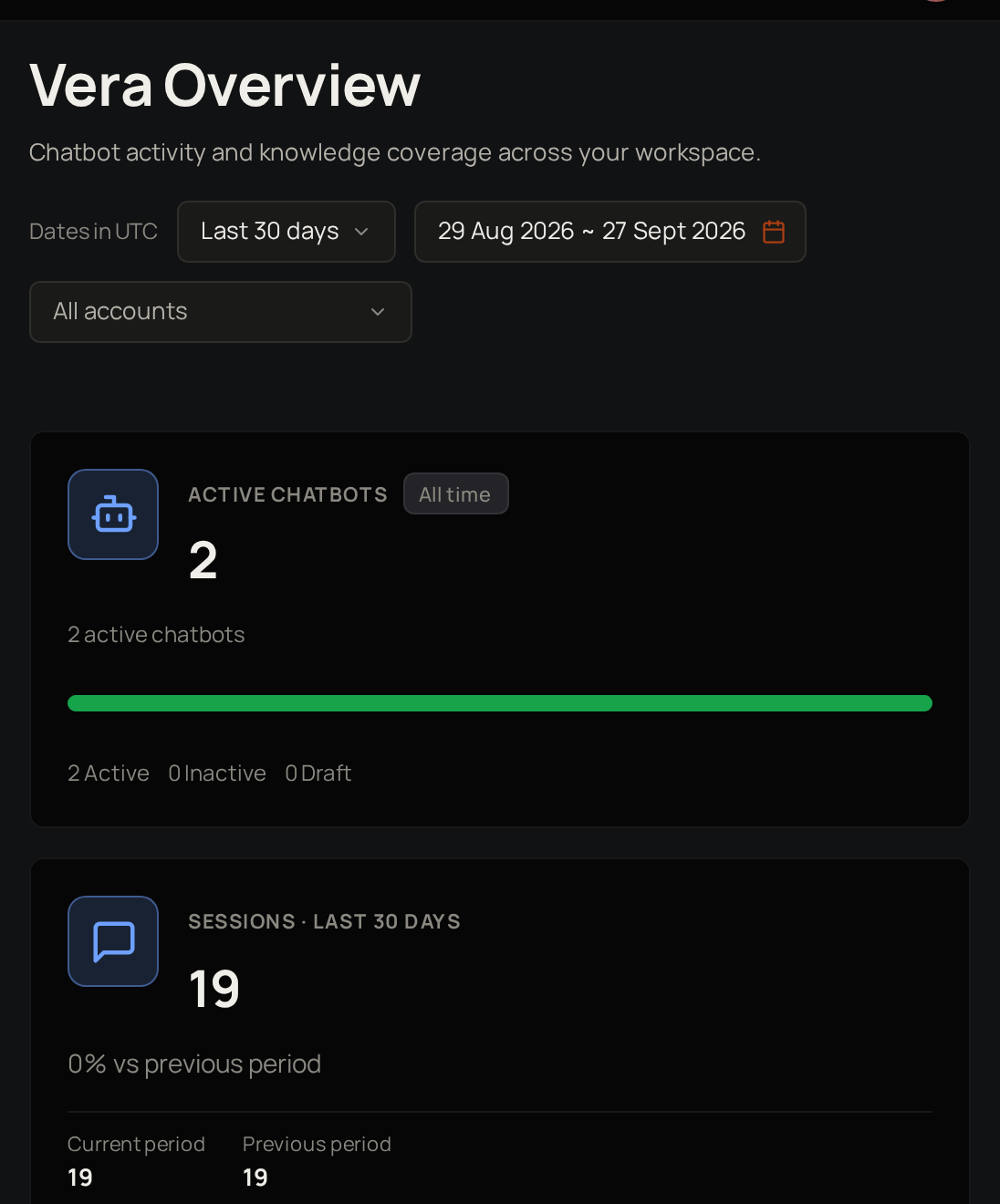
Key ideas
Chatbot
Answers questions only from the knowledge you give it.
Knowledge source
A file, web page or video a chatbot can answer from.
Session
One conversation with a chatbot, from the first question to the last.
Unanswered question
A question the chatbot could not answer from its knowledge.
Curated answer
An answer you write yourself, given word for word when the same question comes in.
Stale source
A source that has not been read again for more than 90 days.
A chatbot has three states
Draft
Just created, and not answering anyone yet.
Active
Turned on and answering questions.
Inactive
Can be turned on again at any time.
A source moves through four states
Pending
Added and waiting to be read.
Processing
Vera is reading it.
Ready
The chatbot can answer from it.
Failed
Vera could not read it, and you can try again.
Who can do what
Account Admins and Users do not use Vera.
Where to start
Create a chatbot
Set one up and turn it on.
Give it knowledge
Add the files, pages and videos it answers from.
Read conversations
See what people asked and how the chatbot replied.
Improve answers
Fix answers and fill the gaps in its knowledge.
See how they are doing
Follow activity, answered rate and unanswered questions.
Related products

Aegis
Support for your clients, with every ticket in one place.

Nucleus
Manage, test and improve your AI prompts.