

 Pulse
Pulse Lexis
Lexis Vera
Vera Aegis
Aegis Prism
Prism Nucleus
How Lexis is laid out
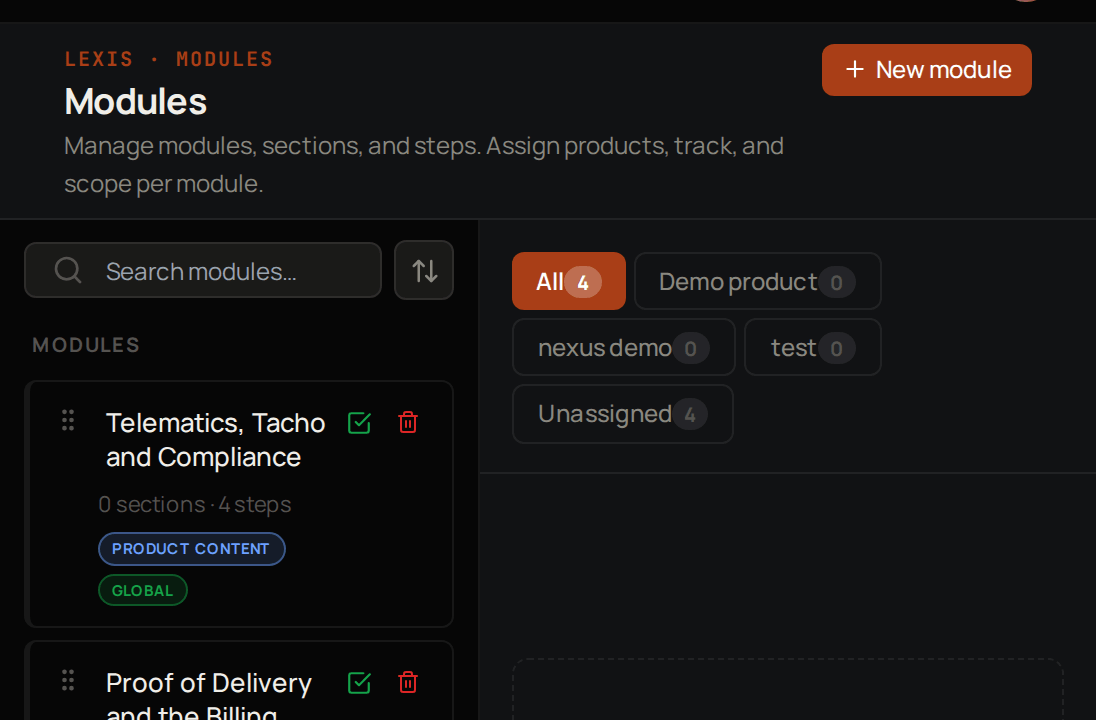
Key concepts
Module
Training on one subject, made of steps and optionally grouped into sections.
Step
One lesson in a module, usually a video with instructions.
Track
A set of modules that learners enrol in together.
Dub
A copy of a step’s video in another language.
Certificate
Proof that a learner finished a module.
Modules are Draft or Published
Draft
Only your team can see it while you build it.
Published
Learners it is open to can see it and start it.
Global
Everyone in your workspace, including every learner in every customer account.
Internal
Tenant Owners, Workspace Admins and Workspace Members only. Learners never see it.
Internal + Partners
Your own team and your partners. Learners never see it.
Account-specific
Learners in the accounts you pick, plus Tenant Owners and Workspace Admins.
Who can do what
Learners are the people in your customer accounts, with the role User or Account Admin. They see Lexis from the learner’s side, not the screens described on these pages. Your own team takes training in My Learning.
Where to start
Build a module
Create a module and add its first steps.
Dub a video
Give a step’s video another language.
Invite learners
Bring your customers in and enrol them.
Set up certificates
Decide when learners earn a certificate.
Related products

Pulse
The customers you sell to are the accounts your learners belong to.

Aegis
Support for your customers when they need help.

Vera
Chatbots that answer from your own knowledge.

Prism
See what is happening across your products.