

 Pulse
Pulse Lexis
Lexis Vera
Vera Aegis
Aegis Prism
Prism Nucleus
Before you start
Build and publish the modules you want in the track first. See Modules.Create a track
1
Start a track
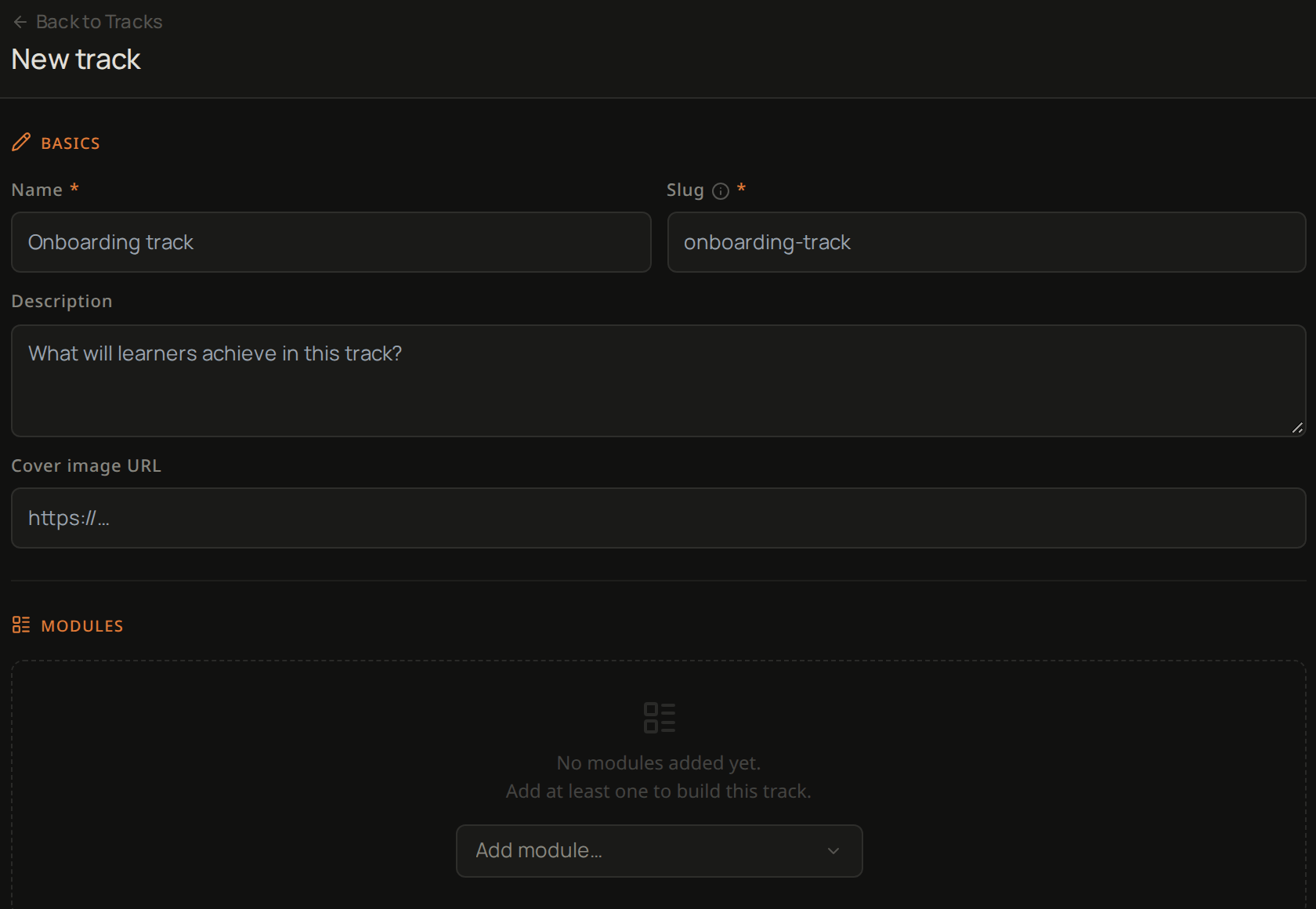
Select Tracks, then New track.
2
Name it
Enter a Name. Lexis fills in the Slug from it, and you can change it.
3
Describe it
Add a Description of what learners will achieve.
4
Add a cover image
Add a Cover image URL if you have one.
5
Add the modules
Under Modules, open Add module… and choose each module in the order learners should take them.
6
Mark what is optional
Each module is Required when you add it. Untick Required for any module learners can leave out.
7
Choose when learners see it
Under Publish status, leave Draft to keep it hidden from learners, or choose Published so learners can find it and enrol.
8
Create it
Select Create track.
Troubleshooting
Create track stays greyed out
Create track stays greyed out
A track needs a Name, a Slug and at least one module.