

 Pulse
Pulse Lexis
Lexis Vera
Vera Aegis
Aegis Prism
Prism Nucleus
How Aegis is laid out
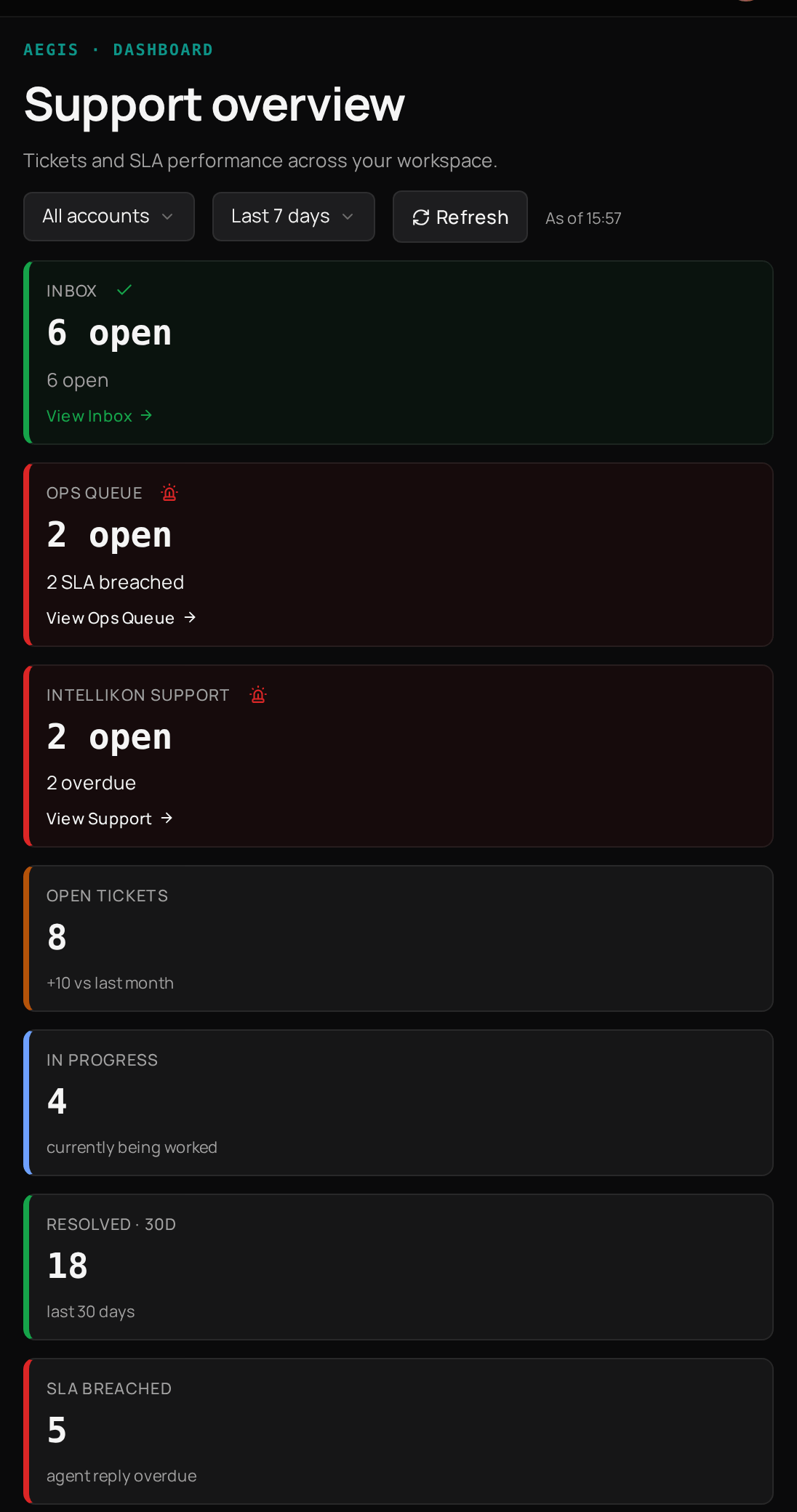
Which queue to use
Feed
Use it to spot patterns and alerts across your tickets.
My Work
Use it to work through the tickets assigned to you.
Inbox
Use it to answer the tickets your customers raise.
Ops Queue
Use it for work your own team needs to track as a ticket.
Intellikon Support
Use it when you need Intellikon’s help with Studio itself.
Escalations
Use it to follow the tickets you have passed to Intellikon.
Tickets move through statuses
Open
Raised and waiting for your team.
In progress
Someone is working on it.
Resolved
Your team has closed it.
Resolved by AI
Aegis answered it itself.
Who can do what
Account Admins and Users are people at your customers’ companies.
Where to start
Answer customer tickets
Reply, triage and resolve the tickets in your Inbox.
Team tickets and Intellikon
Track your own work and get help from Intellikon.
Dashboard, My Work and Feed
See what needs you today.
Aegis settings
Set reply times and ticket categories.
Related products

Vera
Aegis can use a Vera chatbot to answer your team’s questions before they raise a ticket.

Prism
Prism can raise tickets in your Ops Queue from what it spots.