

 Pulse
Pulse Lexis
Lexis Vera
Vera Aegis
Aegis Prism
Prism Nucleus
Before you start
Tenant Owners, Workspace Admins and Workspace Members can use Ops Queue and Escalations. Intellikon Support, and escalating a ticket to Intellikon, are for Tenant Owners and Workspace Admins.Raise a ticket for your team
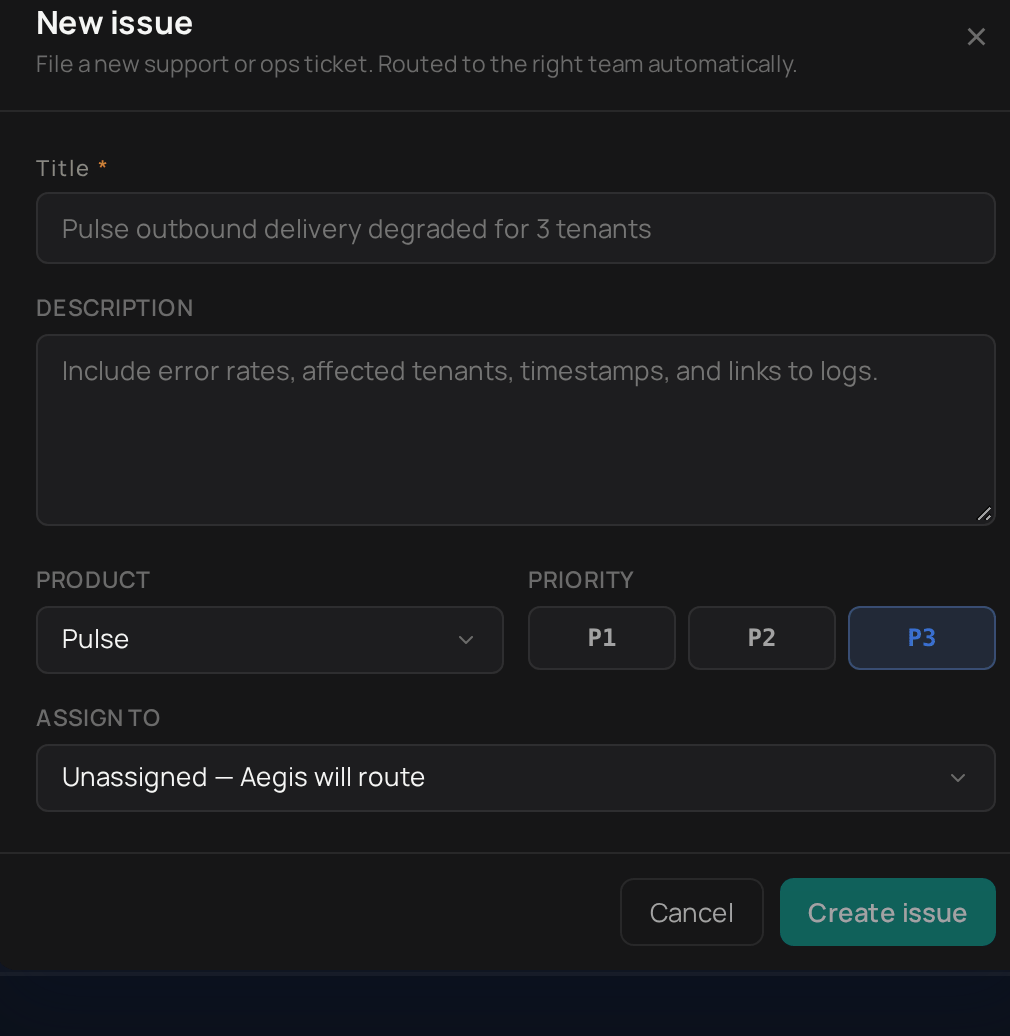
1
Open the form
Select Ops Queue, then New operational ticket.
2
Give it a title
Enter a Title.
3
Describe it
Add a Description with anything that helps, such as when it started.
4
Choose the product
Choose the Product it concerns.
5
Set the priority
Choose a Priority of P1, P2 or P3.
6
Assign it
Under Assign to, choose yourself, or leave it unassigned.
7
Create it
Select Create issue.
1
Open the form
Select the lifebuoy icon at the top right, then Raise a ticket.
2
Give it a title
Enter a Title.
3
Describe it
Add a Description.
4
Choose the product
Choose the Product.
5
Submit
Select Submit.
Ask Intellikon for help
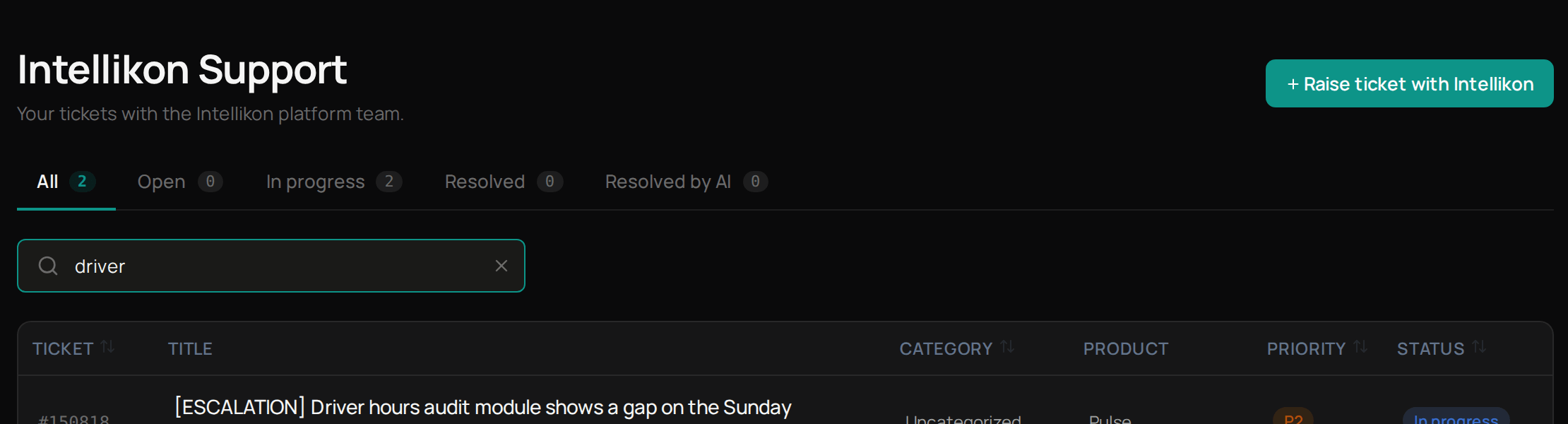
To raise something with Intellikon that did not start as a ticket, select Intellikon Support, then Raise ticket with Intellikon. This opens the same form as Get help in the menu under your initials. See Get help. Next, follow your tickets with Intellikon.Follow your tickets with Intellikon
Follow an escalation
Select Escalations to see every ticket your workspace has escalated, and the requests raised directly with Intellikon. Use Account, Status and Severity to narrow the list. Select an escalation to see how long it has been open. If it started as one of your tickets, select Open the originating ticket under Ticket status mirror to go back to it. Next, see what needs you today.Troubleshooting
If Create issue stays greyed out
If Create issue stays greyed out
Enter a Title. The ticket cannot be created without one.