

 Pulse
Pulse Lexis
Lexis Vera
Vera Aegis
Aegis Prism
Prism Nucleus
Before you start
You need at least one data source. Tenant Owners, Workspace Admins and Workspace Members can ask questions. Tenant Owners and Workspace Admins can see every session in the workspace.Start a session
1
Open Ask
Select Ask.
2
Choose the data
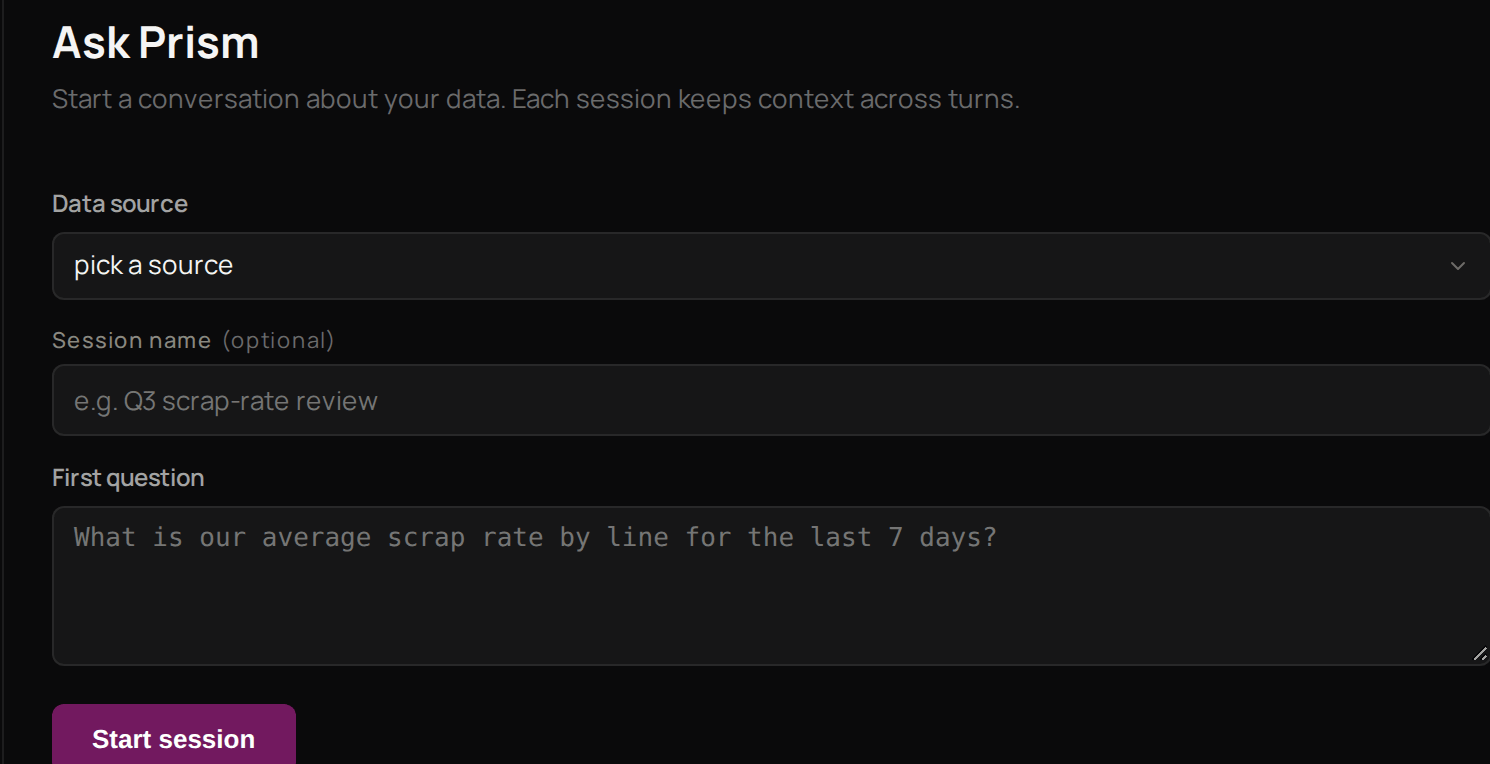
Under Data source, choose the source your question is about.
3
Name it if you want
Give the session a Session name so you can find it again.
4
Ask
Type your question under First question.
5
Start
Select Start session.
Troubleshooting
The question box says Session is closed
The question box says Session is closed
A session you leave unused closes, and a closed session takes no more questions. Select New and start another.
Prism will not take another question in a session
Prism will not take another question in a session
Each session holds up to 50 questions. Select New and carry on in a new session.