
 Pulse
Pulse Lexis
Lexis Vera
Vera Aegis
Aegis Prism
Prism Nucleus
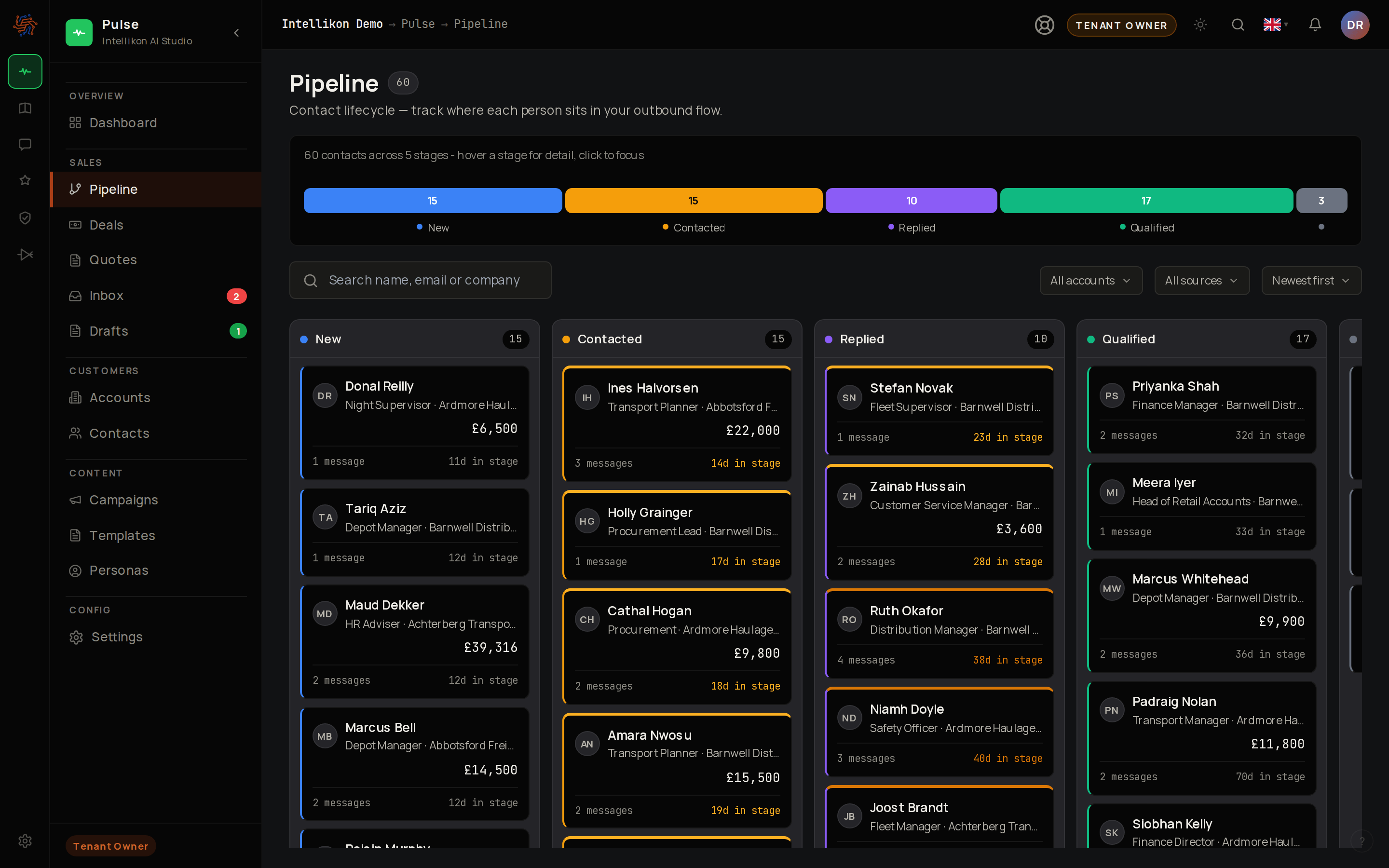
Read the pipeline
Create a deal
1
Start a deal
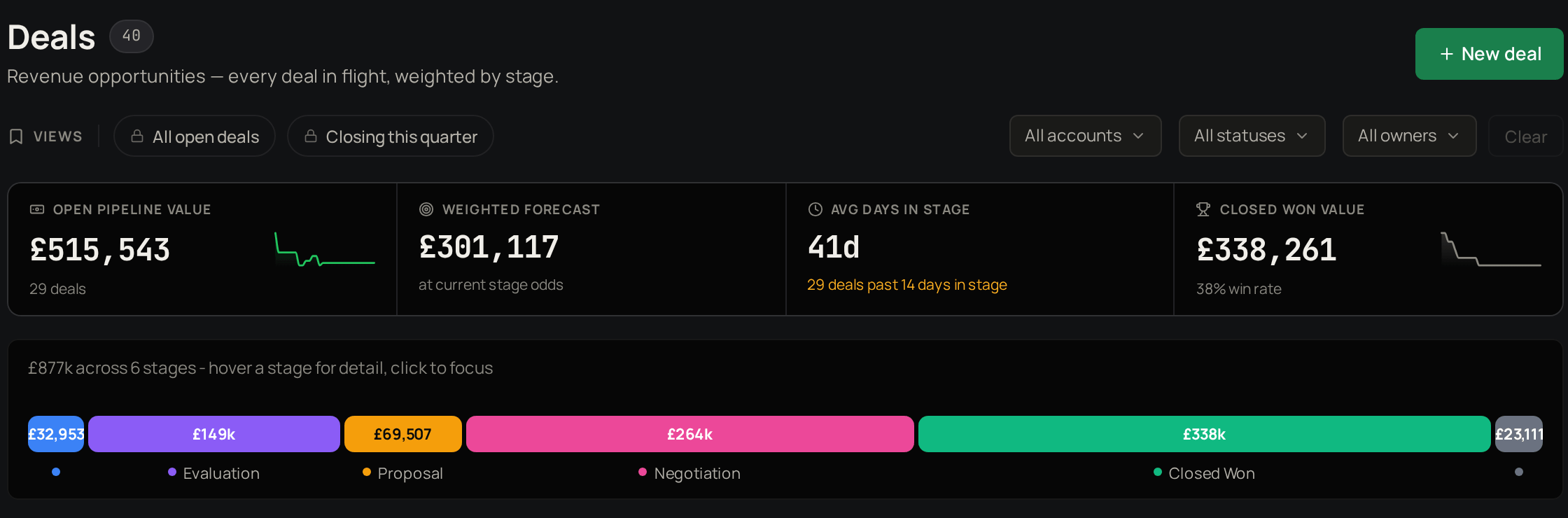
Select Deals, then New deal.
2
Link it
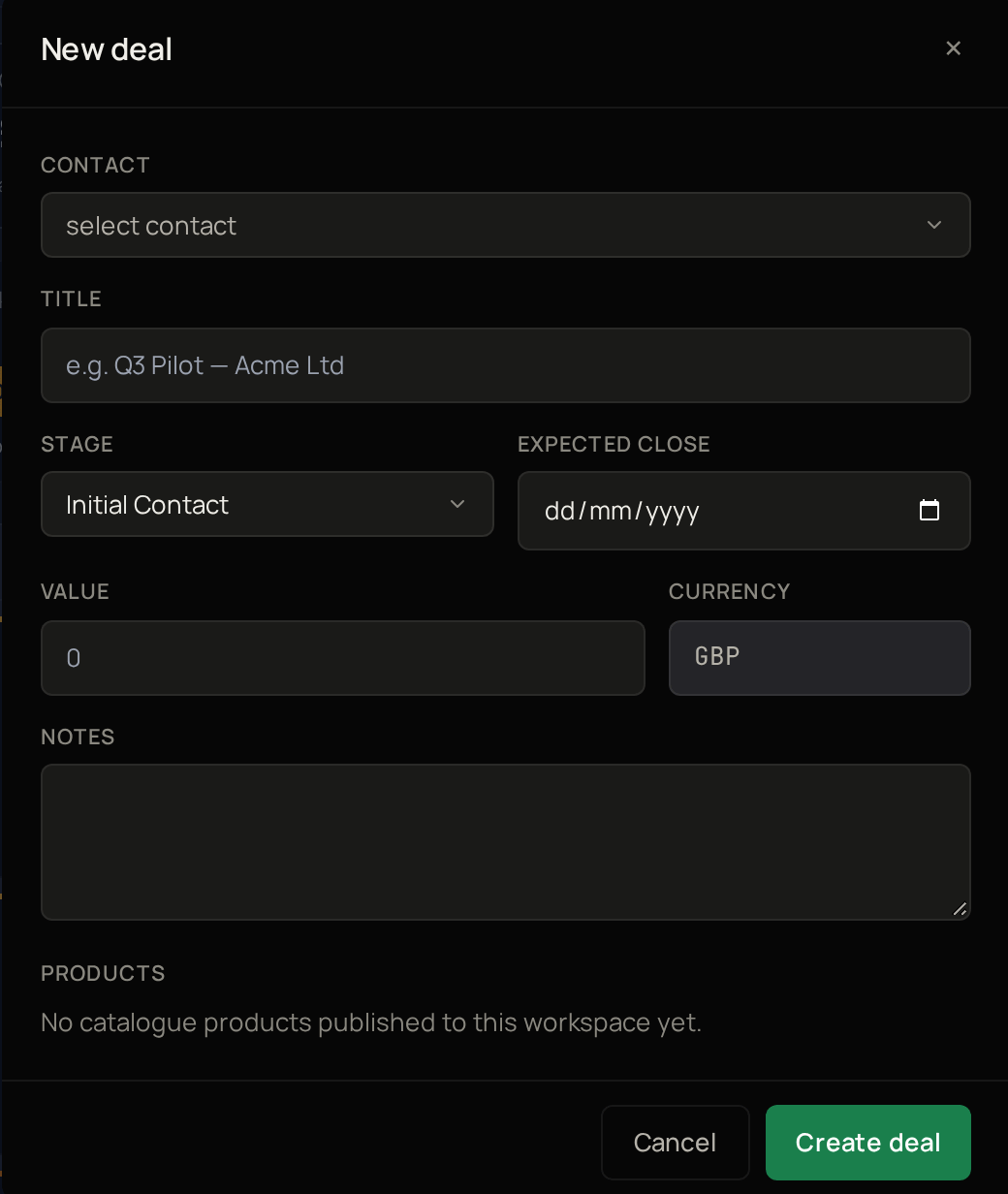
Choose the Contact.
3
Name it
Give the deal a Title.
4
Set the stage
Choose the Stage.
5
Set the timing
Choose the Expected close date.
6
Add its value
Enter the Value.
7
Create it
Select Create deal.
See a deal’s quotes
Select a deal to open it, then select Quotes. The tab lists every quote attached to the deal. Select Create quote to start a new quote with this deal already attached. Next, read the numbers.Read the numbers